EGO1
EGO1 (model EGO1-HS, the GI EGO Headset) is a head-mounted stereo (binocular) egocentric capture device. Two forward-facing 1080p cameras at human eye spacing produce a clean stereo first-person stream, and an integrated 9-DoF IMU tracks head pose. It records offline to a MicroSD card and pairs over Wi-Fi for live preview.
It's designed to be operated with nothing more than an Android phone (the Visio Companion app, for live preview and control) and a computer with any MCAP viewer (for reviewing recordings).
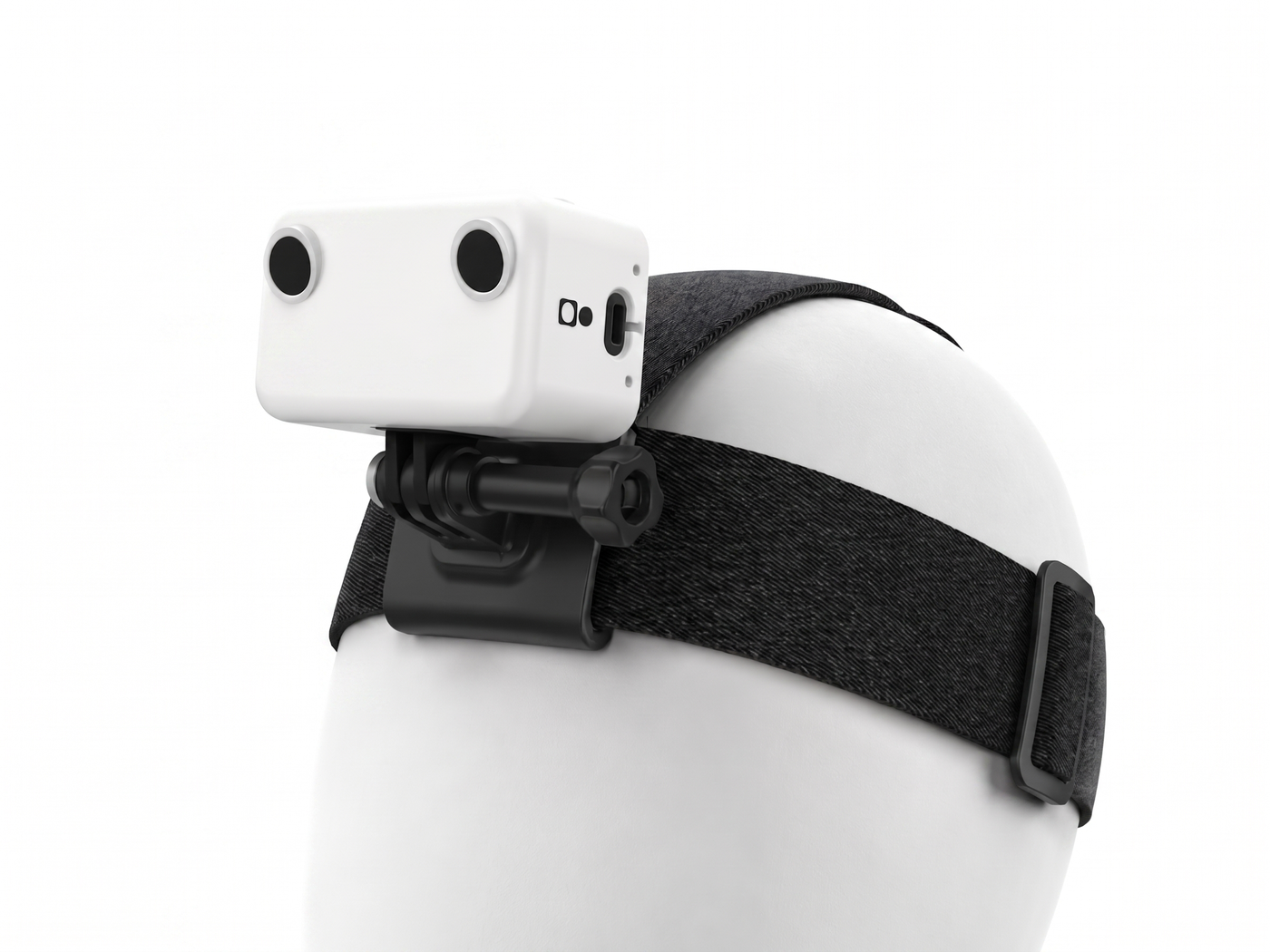
EGO1-HS · stereo head-mounted capture device
Specifications
| Item | Detail |
|---|---|
| Cameras | 2× 1080p @ 30 fps, color (stereo) |
| Field of view | 125° H × 80° V, 148° diagonal per camera (fisheye) |
| IPD | 63 mm center-to-center (average human inter-pupillary distance) |
| Motion sensor | 9-DoF IMU (accel + gyro + mag) @ 200 Hz |
| Synchronization | Hardware-synced exposure and clocks across both cameras and the IMU |
| Encoding | H.265 / HEVC, on-device |
| Recording format | MCAP — a self-describing format (message schemas embedded); files are .mcap |
| Power | Tethered USB-C cable — works whenever it's plugged into USB power |
| Recording control | Always-on (records on power-up) or app-controlled (no physical button) |
| Indicator | Power LED on the top of the device, lit once powered on |
| Storage | MicroSD card (user-supplied) |
| Connectivity | Wi-Fi — app pairing and live preview (not used for transferring recordings) |
| Mount | GoPro-compatible, pitch is wearer-adjustable; elastic headband strap |
What's in the box
| SKU | Item | Qty | Notes |
|---|---|---|---|
| EGO1-HS | Headset | 1 | Stereo 1080p + 9-DoF IMU |
| — | USB-C cable | 1 | Power |
| — | MicroSD card | 0 | User-supplied — see SD cards |
You also supply: a USB power source (wall charger, power bank, or a computer's USB port), an Android phone, and a computer for review.
How a session works
  Insert SD card ─► Plug in USB power ─► Record ─► Stop ─► Offload ─► Review
                       (LED on)       (always-on  (app, or   (SD card)  (MCAP viewer)
                                       or app)     power off)
- Insert a MicroSD card and power the device from any USB source. The top LED lights up.
- Record — capture is always-on (it starts when the device powers on) or app-controlled (start/stop in the Visio Companion app). EGO1 has no physical record button.
- Optionally connect the Visio Companion app over Wi-Fi for live preview and control.
- Offload your recordings by pulling the MicroSD card, then open the
.mcapfiles in any MCAP viewer (for example, Foxglove Studio).
Use Wi-Fi (the app) to preview the device live. Get your recordings off the device via the MicroSD card — Wi-Fi isn't the recommended path for transferring recorded files.
If you're using app control, stop the recording and let it finish saving before unplugging USB power. In always-on mode, avoid cutting power during an active capture — a clip still being written can be lost.
Where to go next
- Quick start — the full happy path, start to finish.
- Know your device — every control and indicator explained.
- Engineering integration — read the data streams from Python.