3. Power, record, and power off
Steps
- Insert an SD card formatted as FAT32.
- Plug the built-in USB cable into any USB power source (a wall charger, a power bank, or a computer's USB port). The device boots as soon as it has power. The indicator LED lights up (EGO1GS also announces it) to confirm it is on. The LED blinks while a recording is running.
- Flip the record switch to I (on) to start recording to the SD card. If it was already at I when powered on, move it to O, then back to I.
- When you are done, flip the switch to O (off) first. Wait for the recording to stop and save, then disconnect USB power.
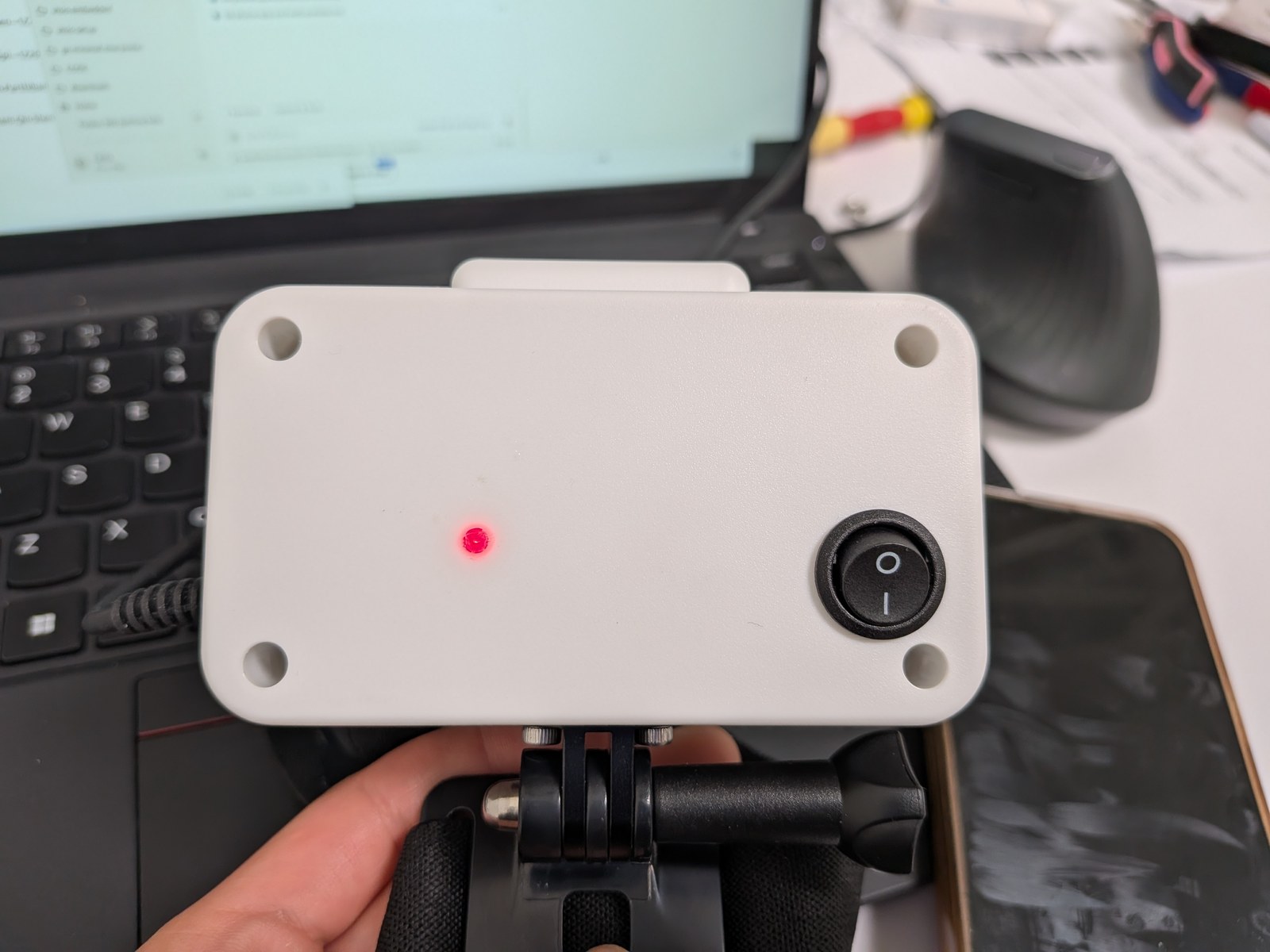
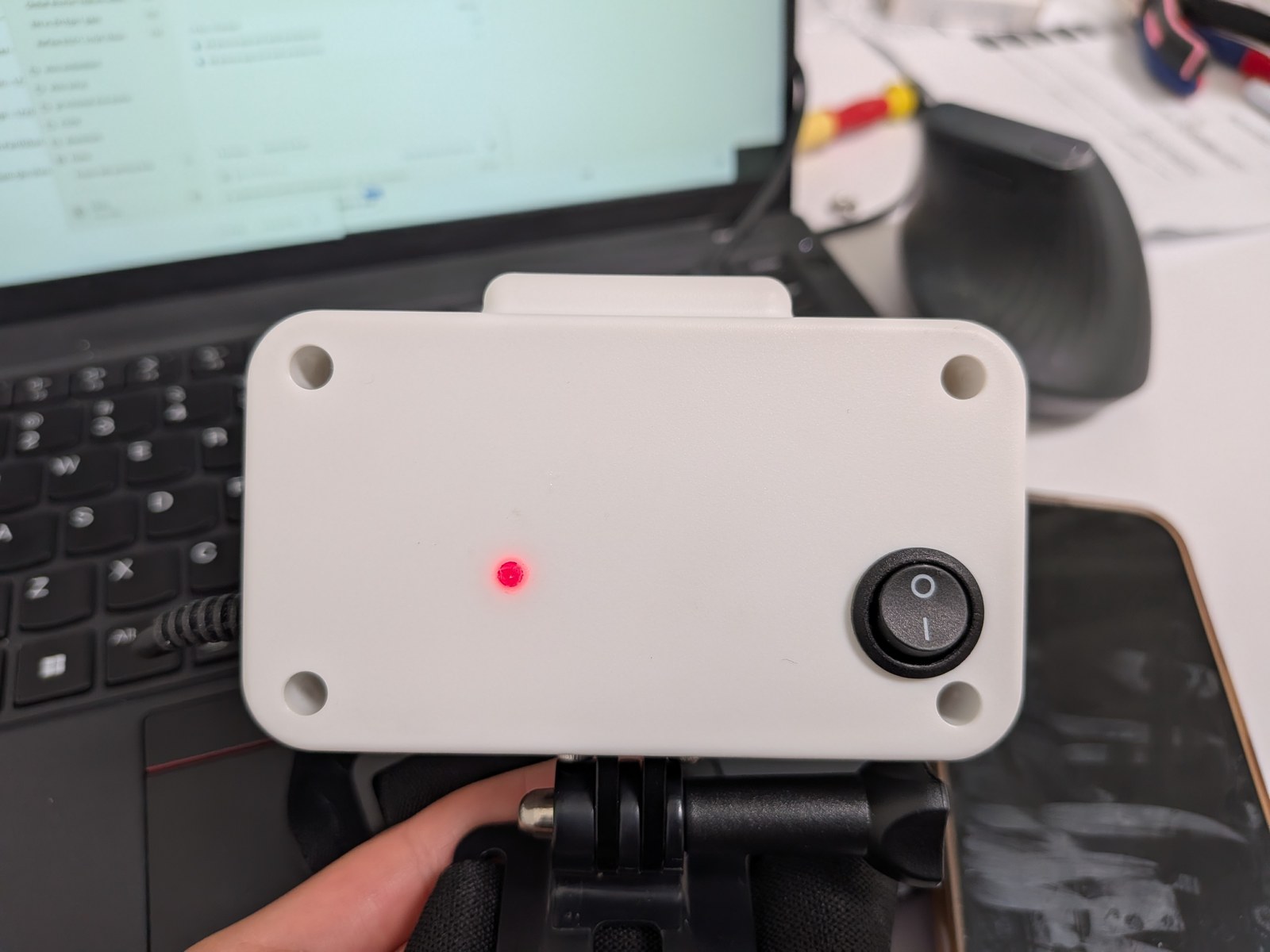
Always flip the record switch to O before disconnecting power. Never cut power mid-recording, or the data being written can be lost. Never pull hard on the USB cable or lift the device by it; route the cable behind the head and secure it so a head turn cannot tear it out.
After an unexpected power loss
With firmware 1.1.6 or later, a power cut during recording usually loses only the final few seconds. If power is cut within the first few seconds, the entire short recording may be lost. In rare cases the SD card may be damaged: first copy any recordings you can still read, then format the card before using it again.
Format as FAT32 on a computer, or use Format SD card in the app. The app preserves a recognized filesystem; blank or unrecognized cards are formatted as FAT32.
Recording stops automatically
The device saves and ends the current recording if the camera stops producing frames and cannot recover (for example because of overheating), or the SD card is full, removed, or fails to write.
The switch remains at I. Resolve the cause first: for overheating, remove the headset and let it cool in a ventilated place. Then move the switch O → I to resume recording. EGO1GS announces the reason for stopping. At high temperatures, EGO1GS may pause phone preview while recording continues; preview resumes after cooling.
EGO1GS voice status
EGO1GS has a built-in speaker. It announces recording start / stop, storage errors, and similar states aloud, so the wearer can confirm the device is working without looking at a screen.
- Stop recording, then unplug. Flip the record switch to O and let the recording finish saving before you disconnect power, or some recorded data may be lost.
- Insert or remove the SD card only while the device is unpowered.
- Protect the cable. Never pull hard on the USB cable or lift the device by it. Route the cable behind the head and secure it, so a head turn cannot tear it out.
Under the hood
Recording control
The physical switch, app, and web page can all start and stop recording. On EGO1GS since firmware 1.1.4, and EGO1 when upgrading from 1.1.2 to 1.1.6, leaving the switch at I during power-on does not start recording. Move it to O, then back to I. Do the same after an automatic stop once its cause has been resolved.
Recordings are written in 256 MB parts
Sessions are split into approximately 256 MB parts. Firmware 1.1.6 improves power-loss recovery: typically only the last few seconds are lost, although a recording interrupted just after it starts may be lost entirely. Damaged parts are repaired before cloud upload. Always stop and allow saving to finish before unplugging.
Status LED
The LED is on the back of the device. Solid means powered and idle; blinking about once a second means a recording is running. On EGO1GS you can also turn on an optional tick-tock recording reminder under Device settings.